

The Unistellar eQuinox 2 Smart Telescope – An Insider's Tip for Galaxy Hunters
Smart telescopes are revolutionizing the entry into amateur astronomy. But the Unistellar eQuinox 2 isn't just for beginners.
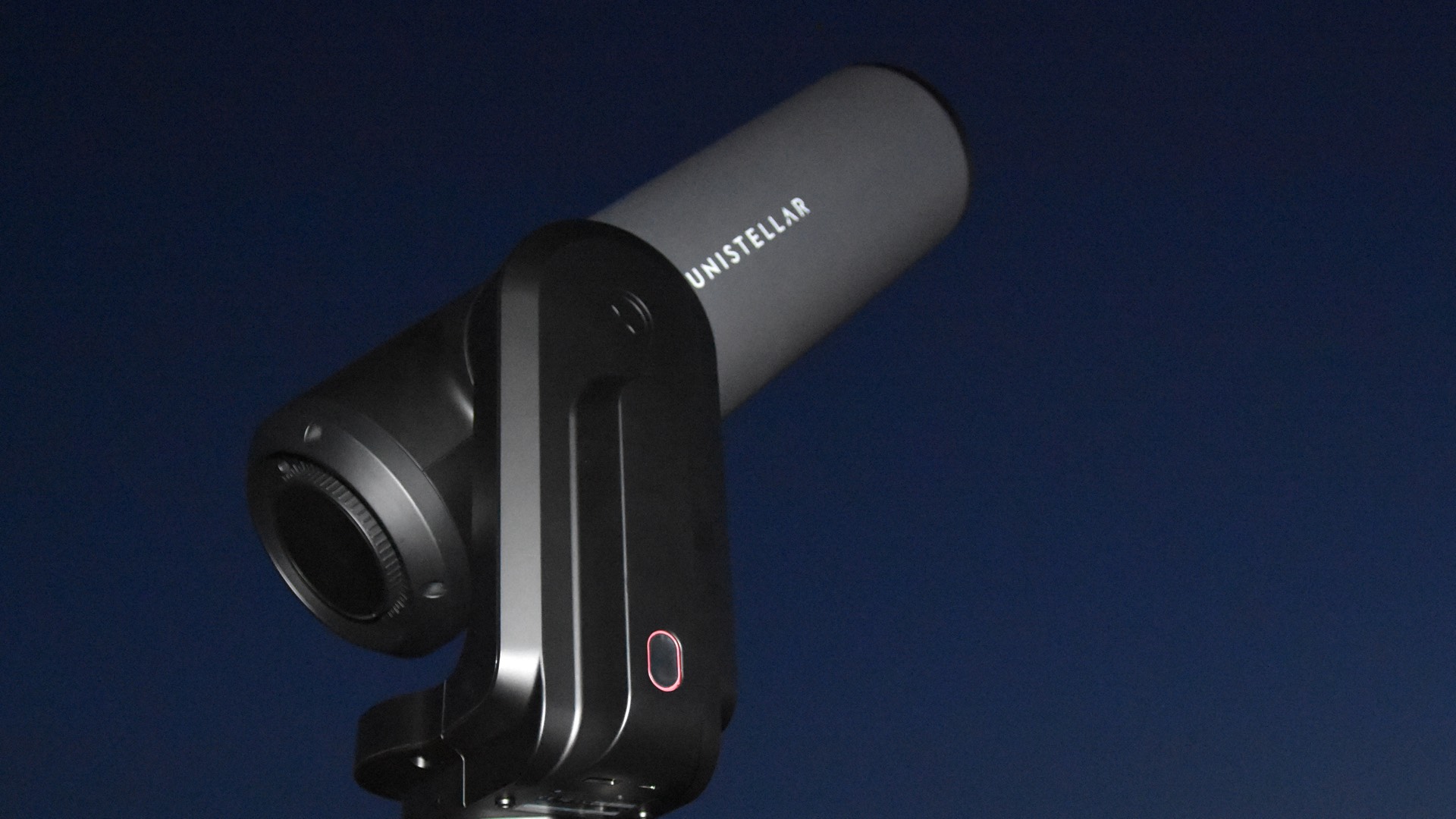
In the past, it was common—and necessary—to gain initial experience with visual observation, which necessarily included learning to navigate the night sky. Only after becoming an experienced observer was one allowed to venture into astrophotography. The new category of smart telescopes turns this worldview on its head and makes it possible to get started with astrophotography right away. Prerequisite knowledge: none.
How Smart Telescopes Make Astrophotography Easier
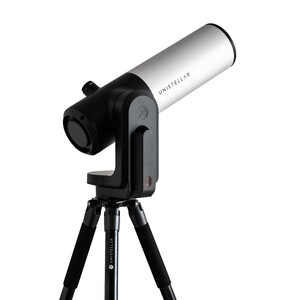
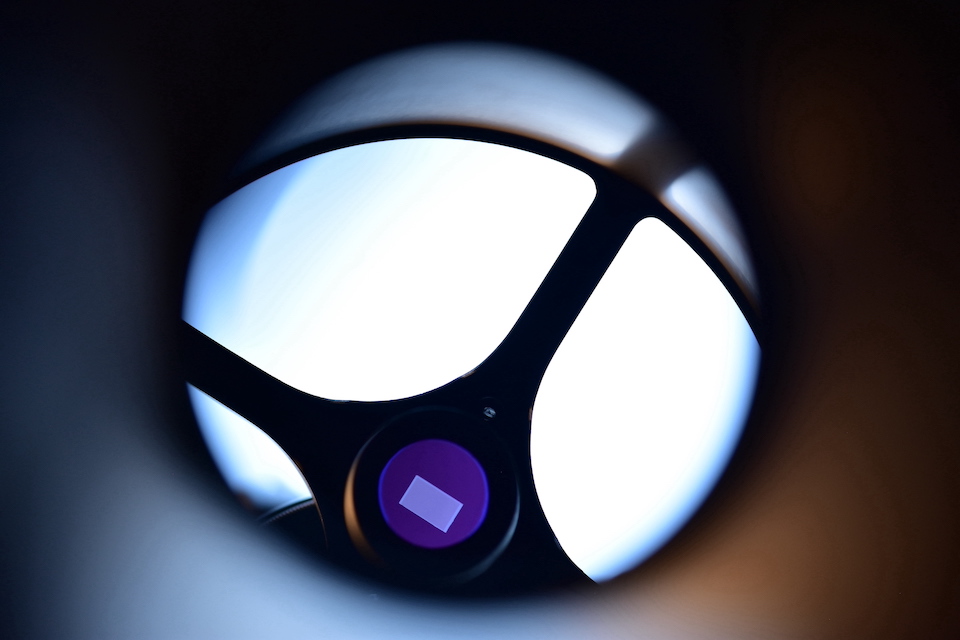 Instead of a secondary mirror, the eQuinox has the image sensor built in directly.
This revolution is made possible by combining classic telescope optics—in the case of the eQuinox 2, a 114 mm f/3.9 Newtonian—with an image sensor from digital photography, an automated mount, and a smartphone as the control center. Direct visual observation, as with a traditional telescope, is no longer intended.
And what about navigating the sky? Of course, you no longer need a sextant for that either. Using a technology called “plate solving,” the telescope can determine its position in the sky and, thanks to its motorized mount, autonomously track and follow targets. This technique takes advantage of the fact that no two star fields are alike. Amazing: The coordinates of 37 million stars are stored here. Alignment in the sky is done with a single click in the app as soon as enough stars are visible. When you enter a target, the alignment is refined in several steps after panning to the target region until the object is precisely centered.
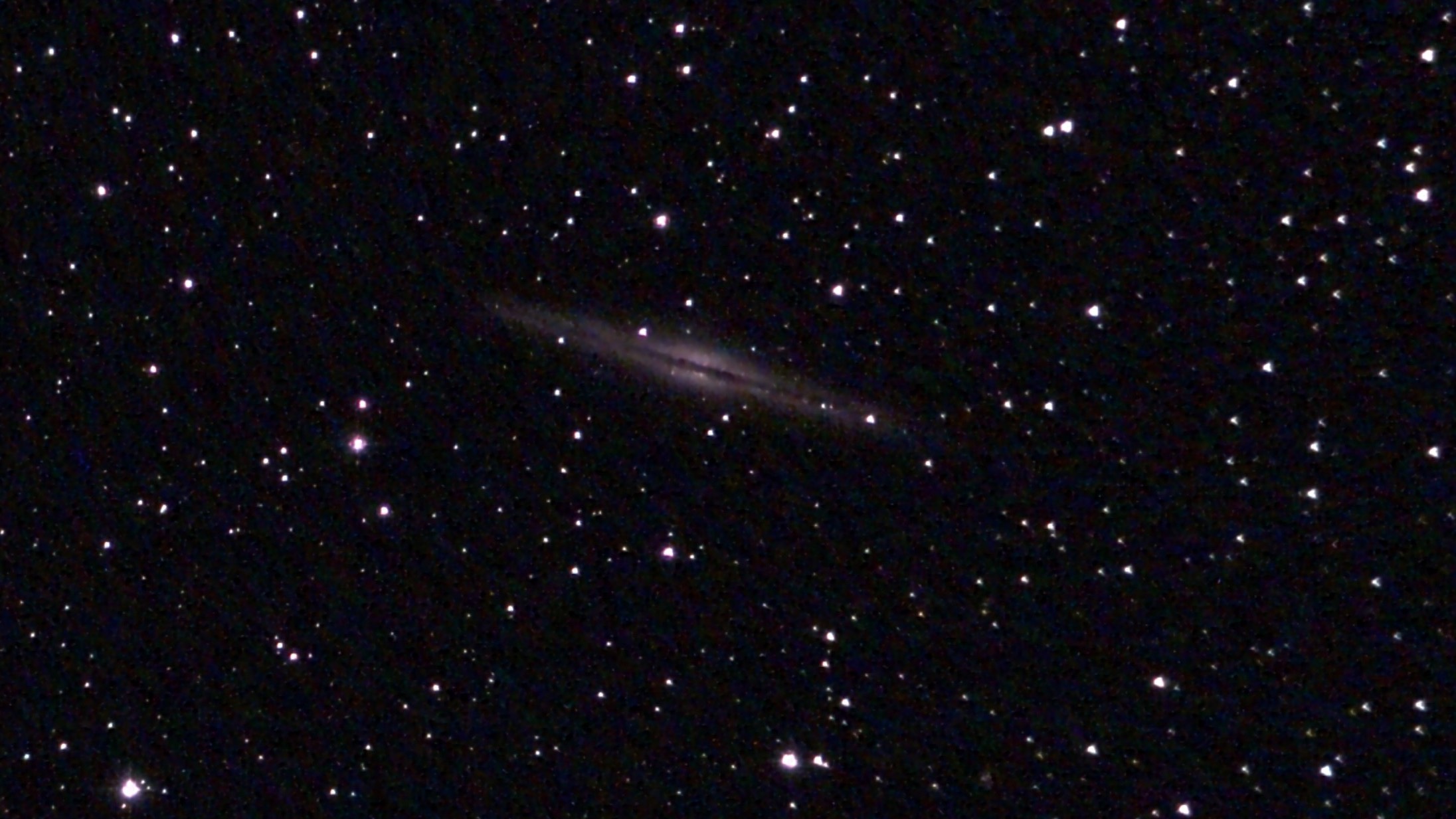 The majestic edge-on galaxy NGC 891, photographed with the Unistellar eQuinox 2. 8 minutes of stacking with no post-processing.
 Unistellar eQuinox 2: The Hard Facts Behind the Beautiful Design
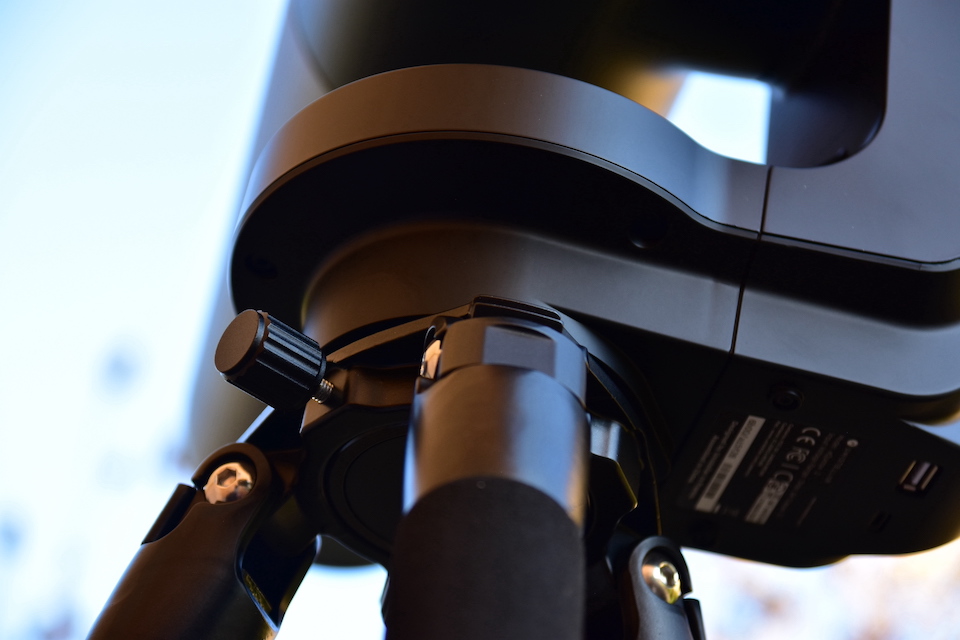 The sturdy single-arm mount is placed on the tripod and secured with two screws.
With an 114 mm aperture and a 450 mm focal length, the eQuinox 2 is a full-fledged telescope. The 75 x 47 x 27 cm box weighs over 12 kg, and the telescope, ready for use and mounted on its tripod, still weighs just under 10 kg. The combination of telescope and tripod requires a firm grip; a carrying handle on the mount would make handling easier.
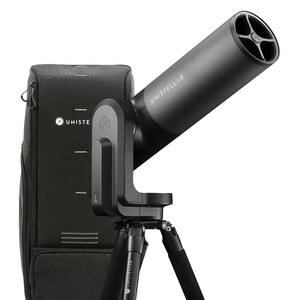
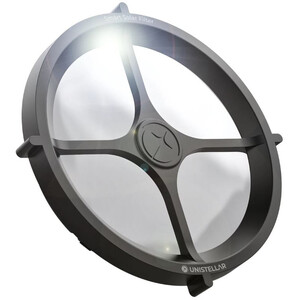
The eQuinox 2 features a 6.2-megapixel sensor, compared to the 4.9-megapixel sensor in its predecessor. The field of view in the sky remains unchanged at 34 x 47 arcminutes, so the moon or sun fits entirely within the frame. A solar filter is available as an accessory, as is a high-quality backpack-style carrying case.
The telescope's packaging and presentation are top-notch, and the accessories—a charging adapter and a set of Allen and hex wrenches—are of excellent quality. It even comes with two spare screws for attaching the telescope to the tripod.
A quick start guide and detailed instructions are available for download, and an included card with a QR code shows you the way. The manuals, available in German, English, French, and Japanese, are comprehensive and of very high quality, aside from the occasional foreign-language phrases.
The telescope sets up quickly and is ready to use. The battery is built-in and is charged using the included power adapter. A single charge should provide 11 hours of operation.
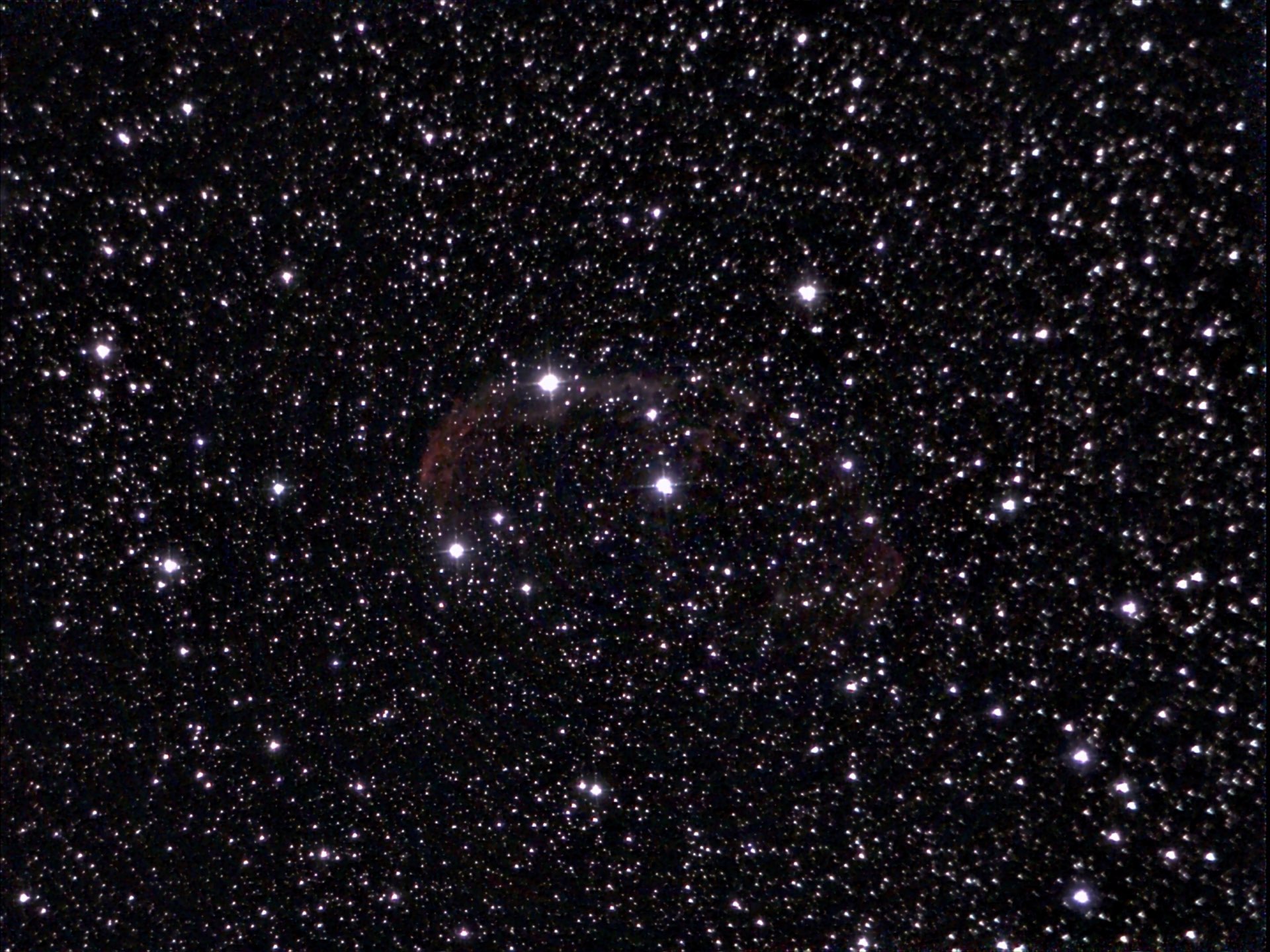 The emission nebula NGC 6888 in Cygnus. Photo taken with the Unistellar eQuinox 2, 11 minutes of stacking without post-processing.
This is how your smartphone becomes the control center for your telescope
The eQuinox 2 can be controlled using the Unistellar smartphone app, which you can download and try out even without the telescope. When you’re ready to get serious, connect your smartphone to the Wi-Fi network set up by the telescope. The controls work right away, and thanks to the stable connection, you can even use them indoors—for example, in cold weather. The telescope is designed to operate down to freezing temperatures.
The internal database contains more than 5,000 objects, including the Moon, planets, 110 Messier objects, and 2,500 objects from the New General Catalog. Comets and minor planets are also included. Some highlights are suggested based on the current sky. You can find and navigate to targets using the search function; this worked without any problems for the NGC objects we tested.
Is everything in place?
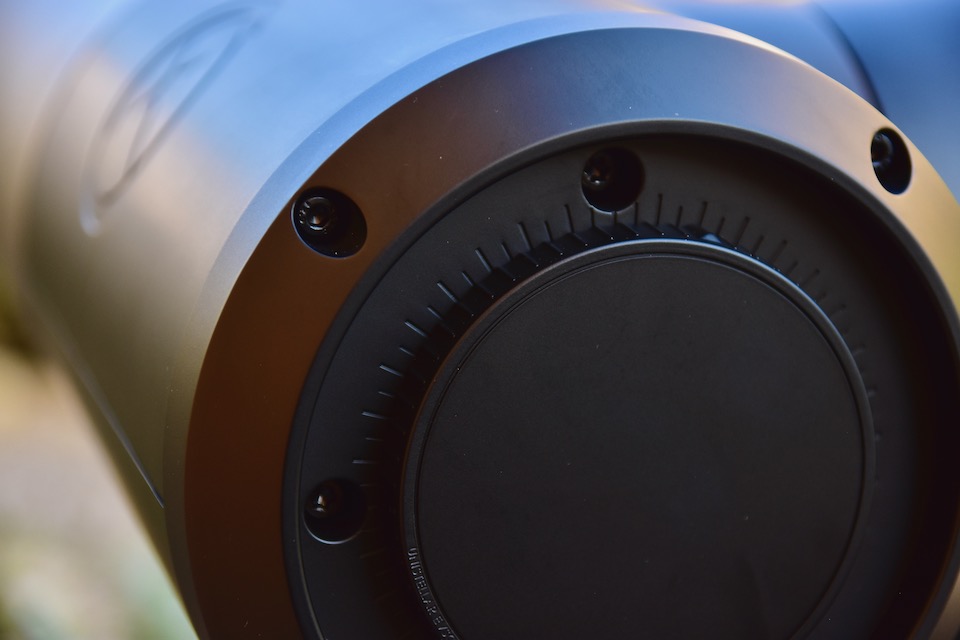 The eQuinox can be adjusted using the two Torx screws next to the focus wheel.
Unistellar recommends checking the collimation as a first step. To do this, the user should focus on a star and make it appear out of focus; the adjustment is then performed using the secondary mirror’s shadow as a guide, via two Torx screws at the end of the tube. This did not help eliminate the clearly visible coma in our review unit. Adjustment based on the image results works better: If coma is visible at the left edge of the image, turn the Torx screw at the 9 o’clock position on the back of the mirror cell clockwise—preferably starting with a quarter turn. Then take a new photo and make further corrections if necessary. This leads to satisfactory results in just a few steps.
Focus is adjusted using a Bahtinov mask integrated into the tube cover; to do this, you must disable the automatic exposure function. With a little finesse—the star shifts when the tube is touched, and the app responds with a slight delay—this leads to flawless results. Calibrating the sensor with a so-called “dark frame” is also recommended; to do this, keep the tube closed.
And action: The Smart Telescope in action
Then you’re ready to go: The live preview shows bright stars, but—at least when observing deep-sky objects—usually not the target itself. To view the target, you’ll need to activate “Enhanced Vision” mode, which begins stacking the 4-second individual exposures. Many interesting objects are already clearly visible after just two minutes; longer exposures provide more detail and less noise. Tapping the photo button saves the image to your smartphone; the data is also stored on the internal 64 GB SD card. Unistellar is working on making RAW images available for post-processing.
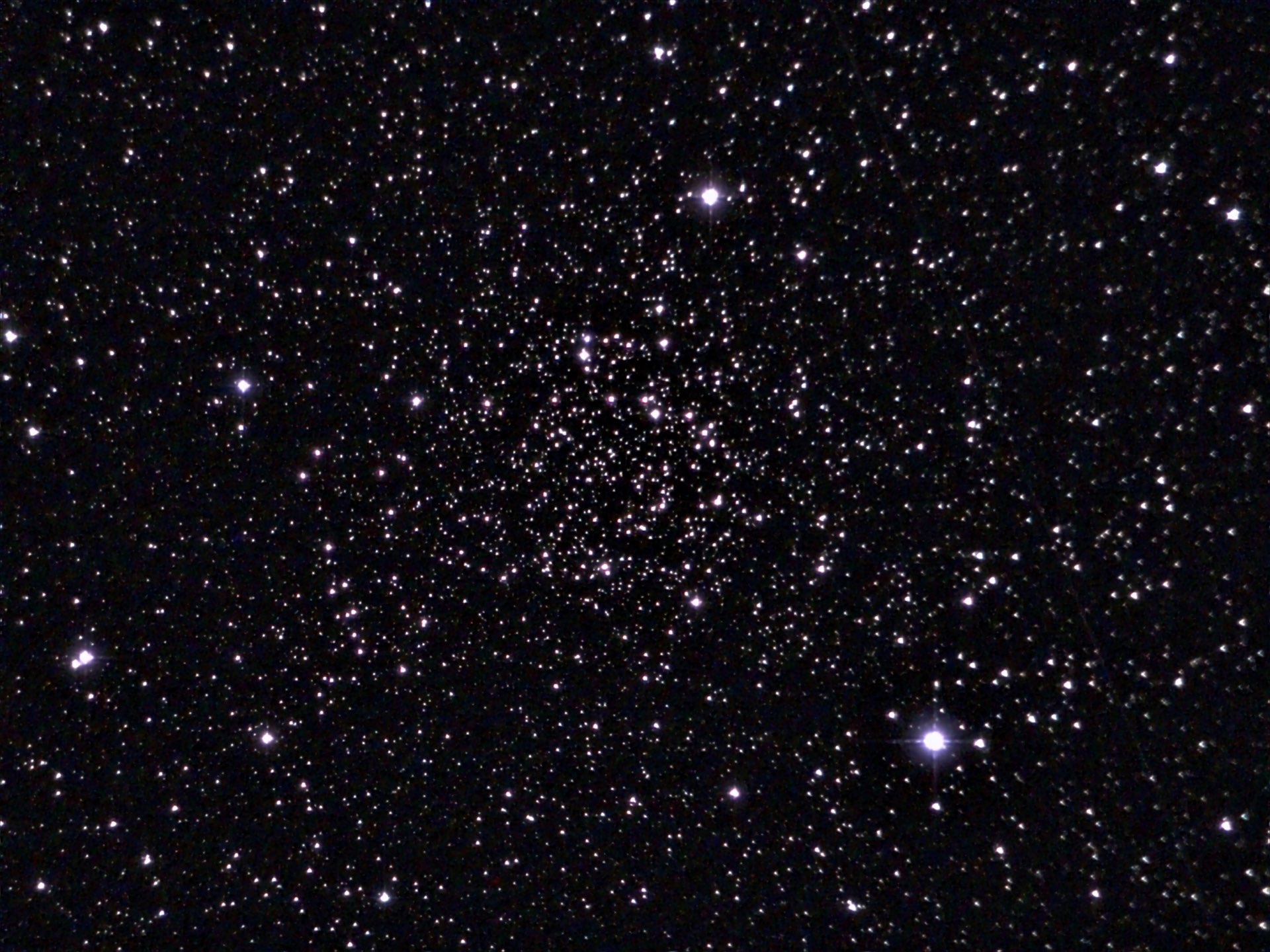 The open star cluster NGC 7789, "Caroline's Rose." Photo taken with the Unistellar eQuinox 2, 6 minutes of stacking without post-processing.
Laying All the Cards on the Table: Here's How We Experienced eQuinox
How does the Unistellar eQuinox 2 perform in actual observation? We were impressed by the results the telescope delivers after just 2–3 minutes of stacking—thanks to its large 114 mm aperture, which is substantial for a smart telescope. Galaxies, in particular, yield excellent results, making the telescope an insider’s tip for visual galaxy hunters; it not only provides reliable indicators of visibility but also delivers brilliant location photos. The only thing that detracts from the observer’s enjoyment is the app’s lack of a night mode—dark adaptation is lost the moment you glance at your smartphone. The only solution here is a red screen filter.
With the eQuinox 2, Unistellar delivers a compelling all-around package that’s not just for beginners. On the contrary: as an experienced visual observer on the hunt for ever-fainter “faint fuzzies,” you’ll want this companion by your side every night you observe. A carrying handle and a night mode in the app would make the product even more compelling. The announced ability to download RAW images also makes the smart telescope appealing to astrophotographers who want to obtain editable photos of deep-sky objects with minimal effort.

Author: Marcus Schenk
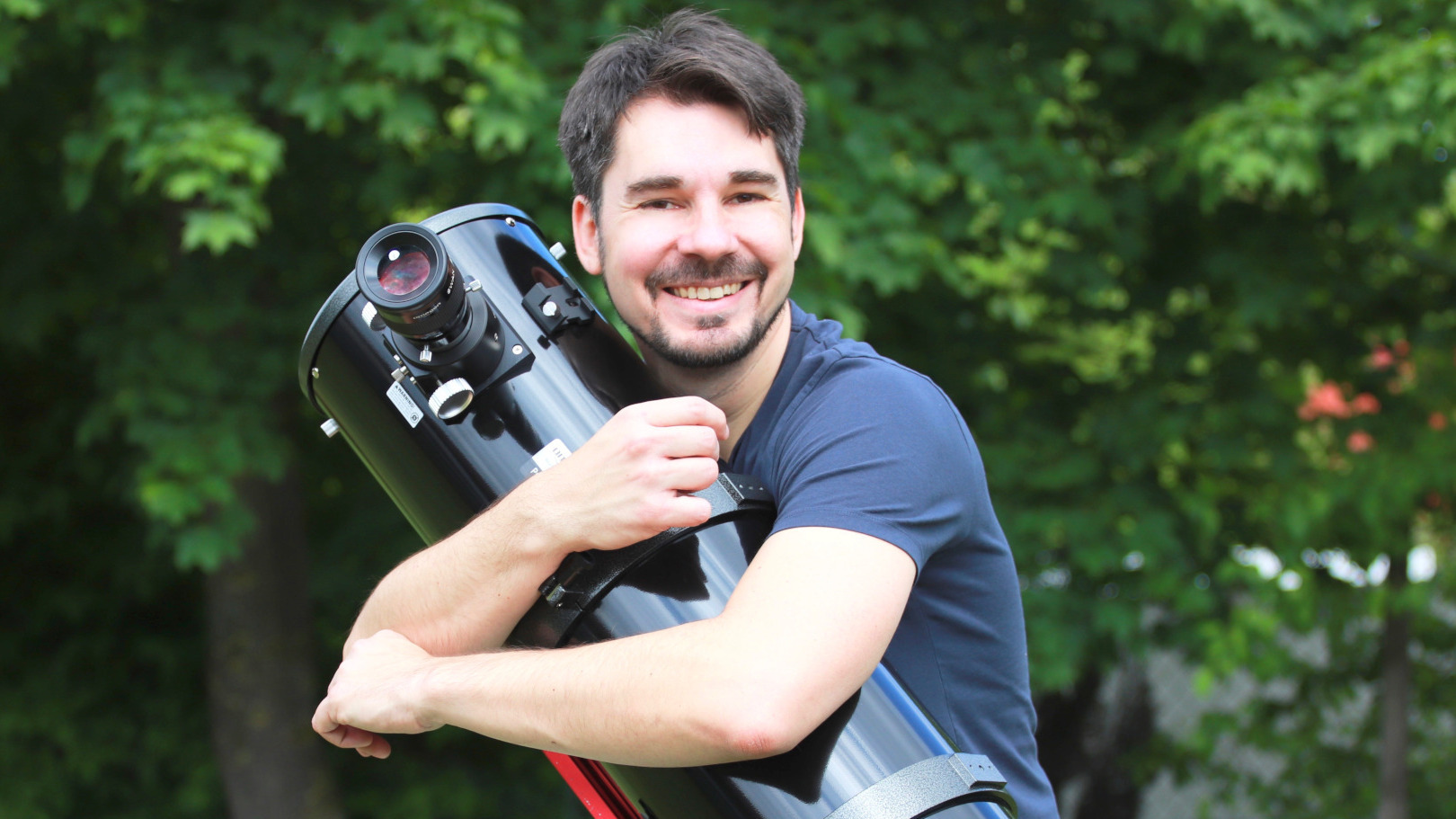
Marcus is a stargazer, content creator and book author. He has been helping people to find the right telescope since 2006, nowadays through his writing and his videos. His book "Mein Weg zu den Sternen für dummies Junior" advises young people, and those who are still young at heart, what they can discover in the sky.
As a coffee junkie, he would love to have his high-end espresso machine by his side under the starry sky.